
What is Videotok?
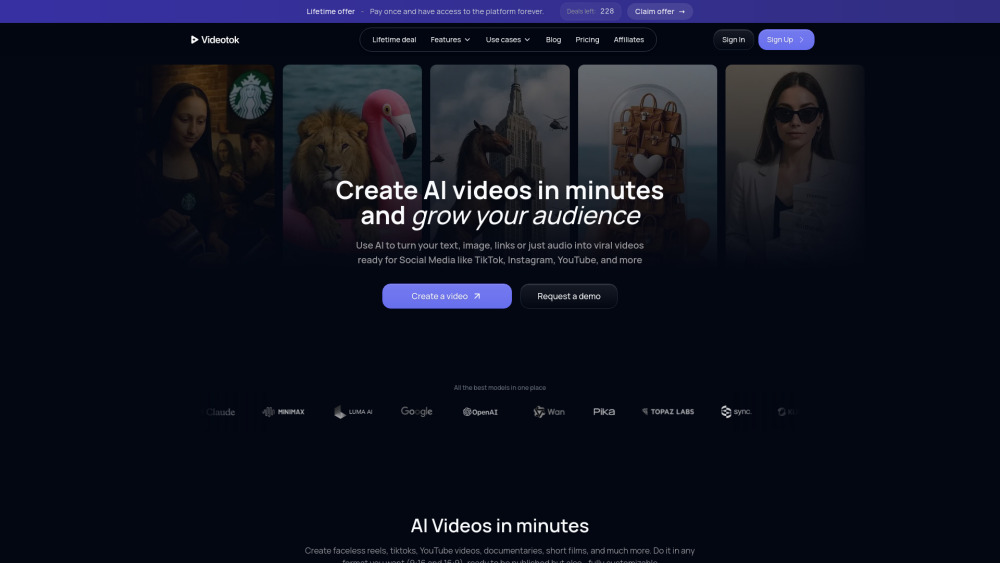
Videotok is an AI video generator for content creators and brands that automates the whole video creation process. Videotok replaces all the tools used in the traditional video production workflow. ––– This was the video creation workflow BEFORE Videotok: 1. Create the script and image prompts using ChatGPT, etc. 2. Copy the image prompts and generate each image in Leonardo, Midjourney, etc. 3. Copy the animation prompts and generate each animation in tools like Kling, Sora, etc. 4. Record or generate voiceovers separately using the ChatGPT-generated script 5. Manually edit and assemble everything in CapCut or similar tools 6. Spend hours on each video trying to find the best video editing setup ––– This is today’s video creation workflow WITH Videotok: 1. Type a topic or video description using natural language, or paste a link (article, YouTube video, etc.) 2. Get a ready-to-publish video in one minute complete with visuals, animations, voiceovers, and transitions 3. No editing skills needed: everything is automated. But if you want to add your personal touch, or you're a Pro or a brand, you can customize every element of the video in the editor (For instance, a brand can create visuals featuring its products by changing settings and scenes to generate all the assets needed for marketing campaigns)
How to use Videotok?
1. Enter a video description in natural language, or provide a link to an article or video related to your topic, or upload your script 2. Choose your video features (aspect ratio, language, voice type, image or animation style, consistent characters, etc.) 3. Get a ready-to-publish video or customize it using the editor’s features (sound effects, music, AI-generated music based on the video scene, transition, add logos, scale-up, change image backgrounds, create new images or animations to add, avatars, and interact with assets to make any changes you want, etc.)